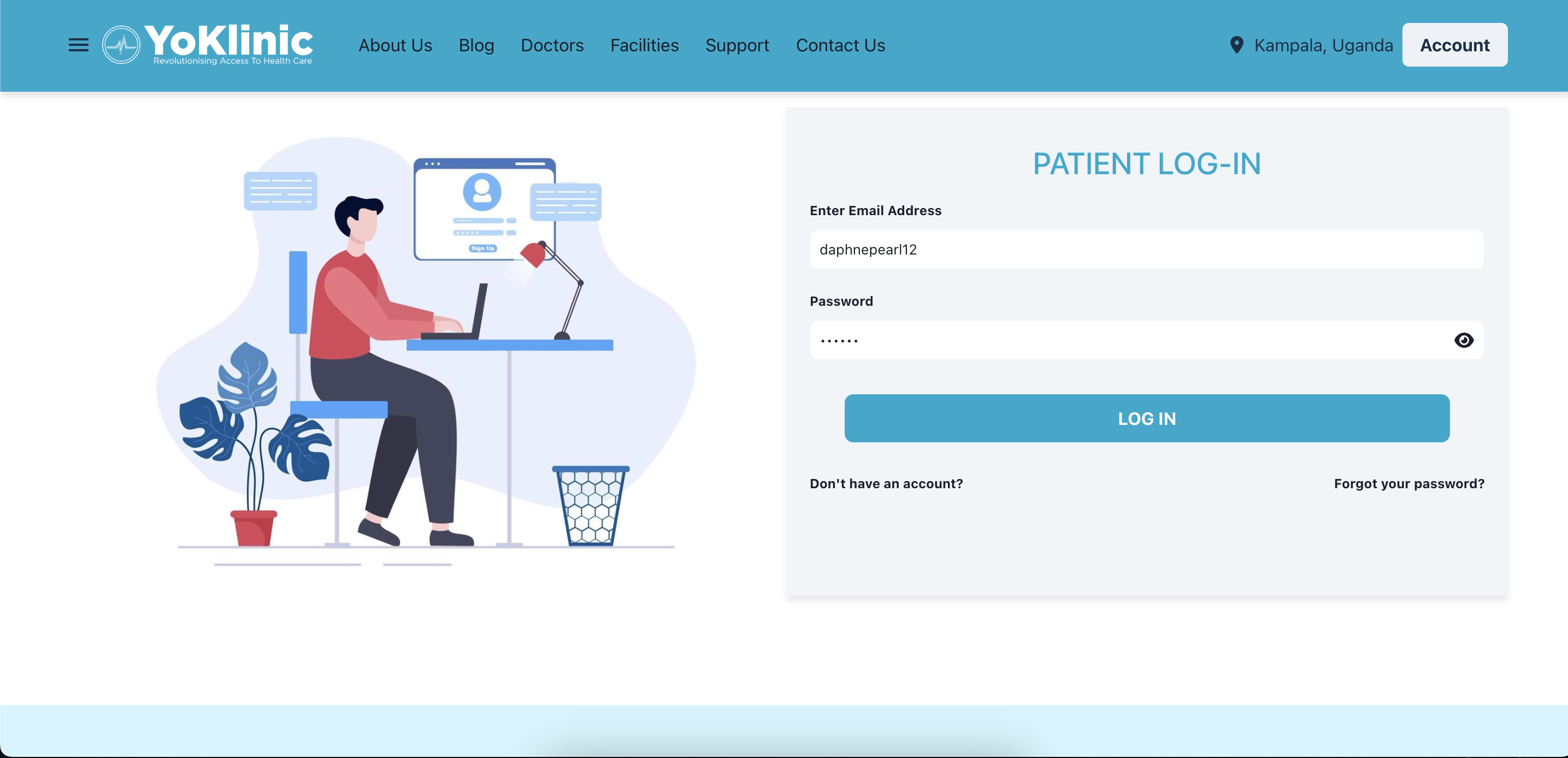
Logging in is super simple! 🎉 Here's how to access your YoKlinic dashboard after signing up and confirming your email
Simply visit https://www.yoklinic.com/patient/auth/login and enter the email address and password you used to sign up.
After clicking the Log In button, you’ll be directed to your YoKlinic dashboard. From here, you can book appointments, view your health records, and manage your profile.
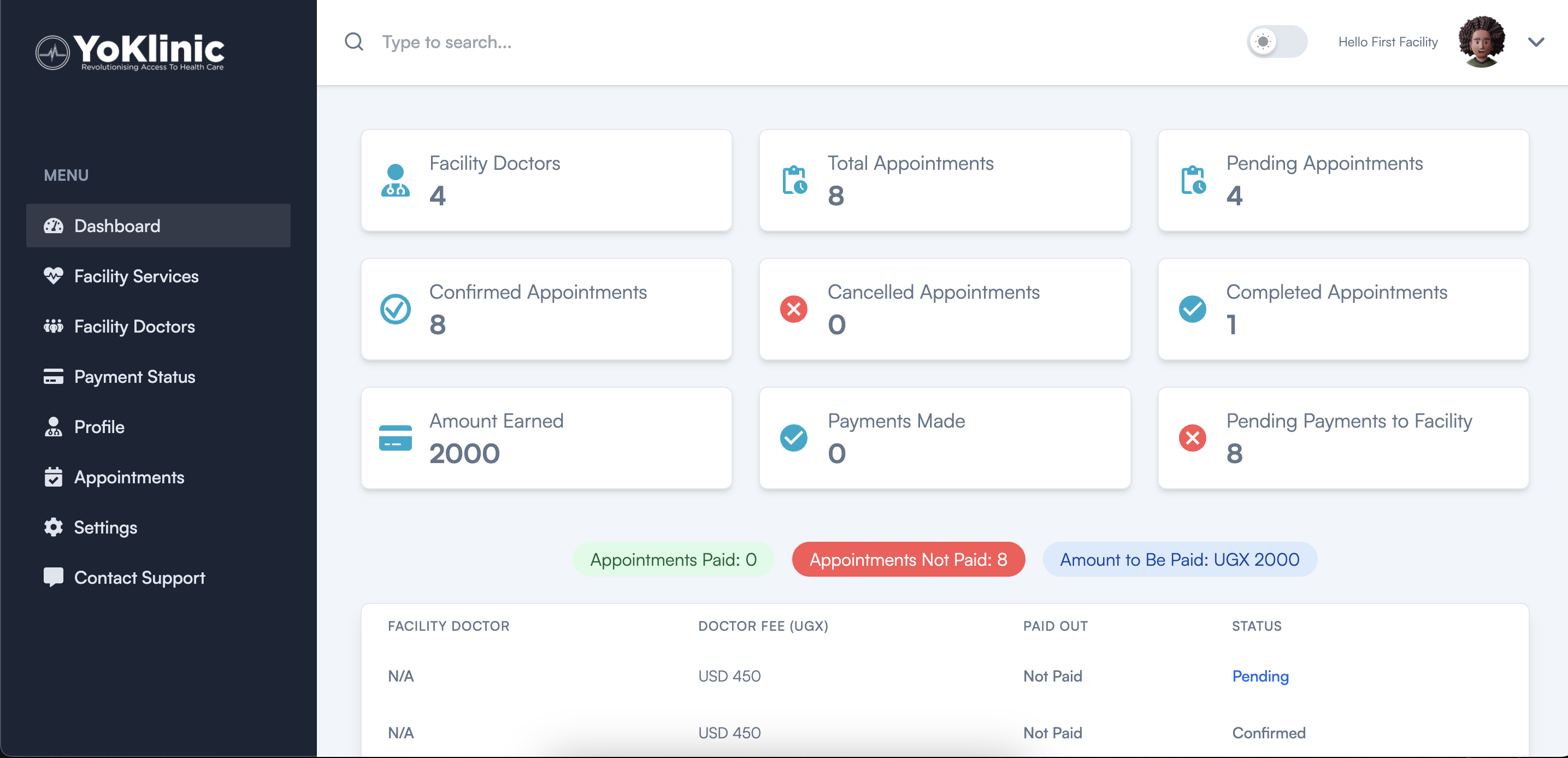
Visit https://www.yoklinic.com/facilities/auth/login and enter the email address and password associated with your facility account.
Once logged in, you’ll be redirected to your Facility Dashboard, where you can:
- Manage appointments and schedules.
- Update facility details and staff profiles.
- Review patient interactions and service records.
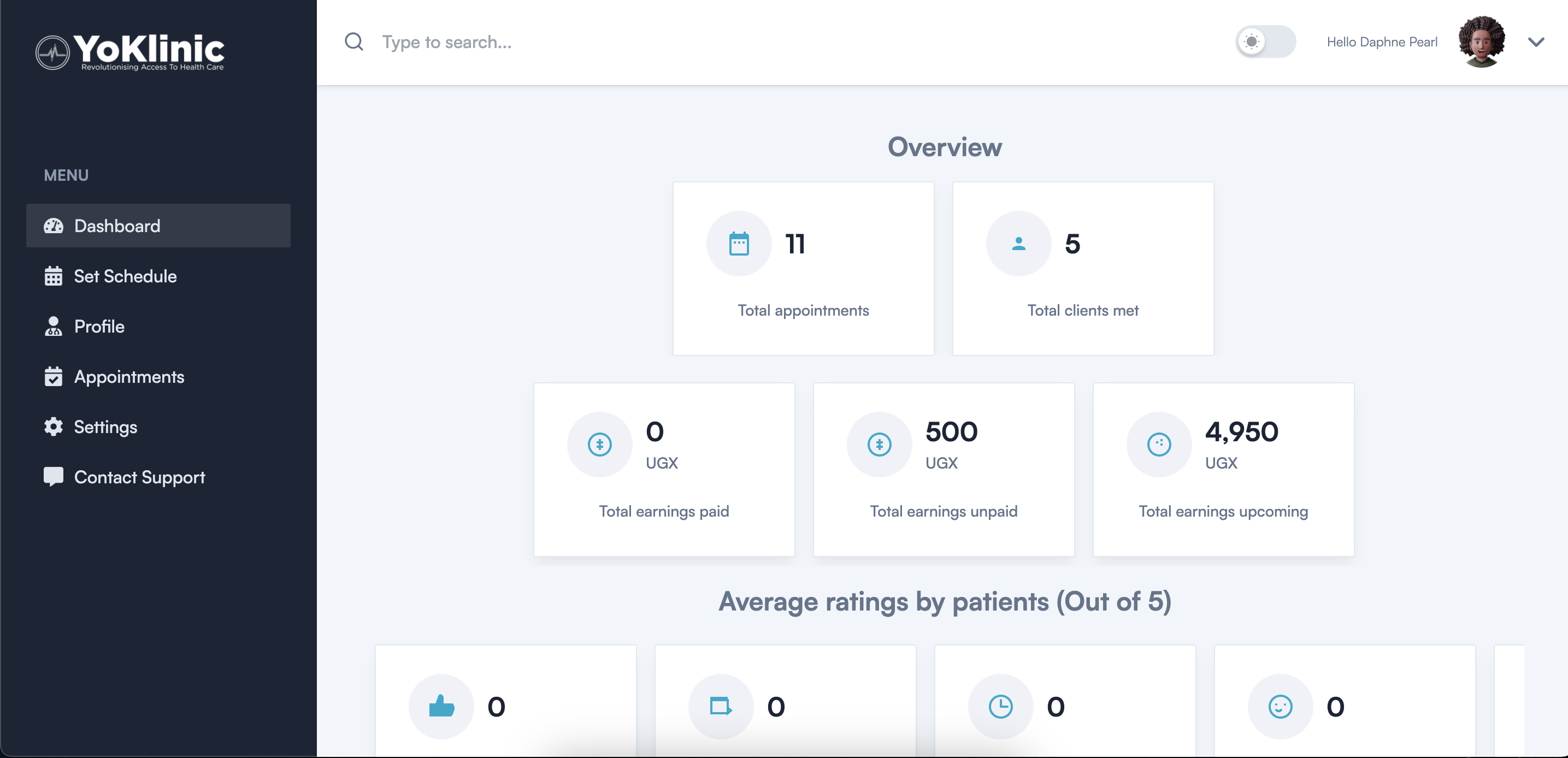
Visit https://www.yoklinic.com/doctor/auth/login and enter the email address and password linked to your doctor account.
After logging in, you’ll land on your Doctor Dashboard, where you can:
- View and manage appointments.
- Access patient details and medical history.
- Update your profile and availability.
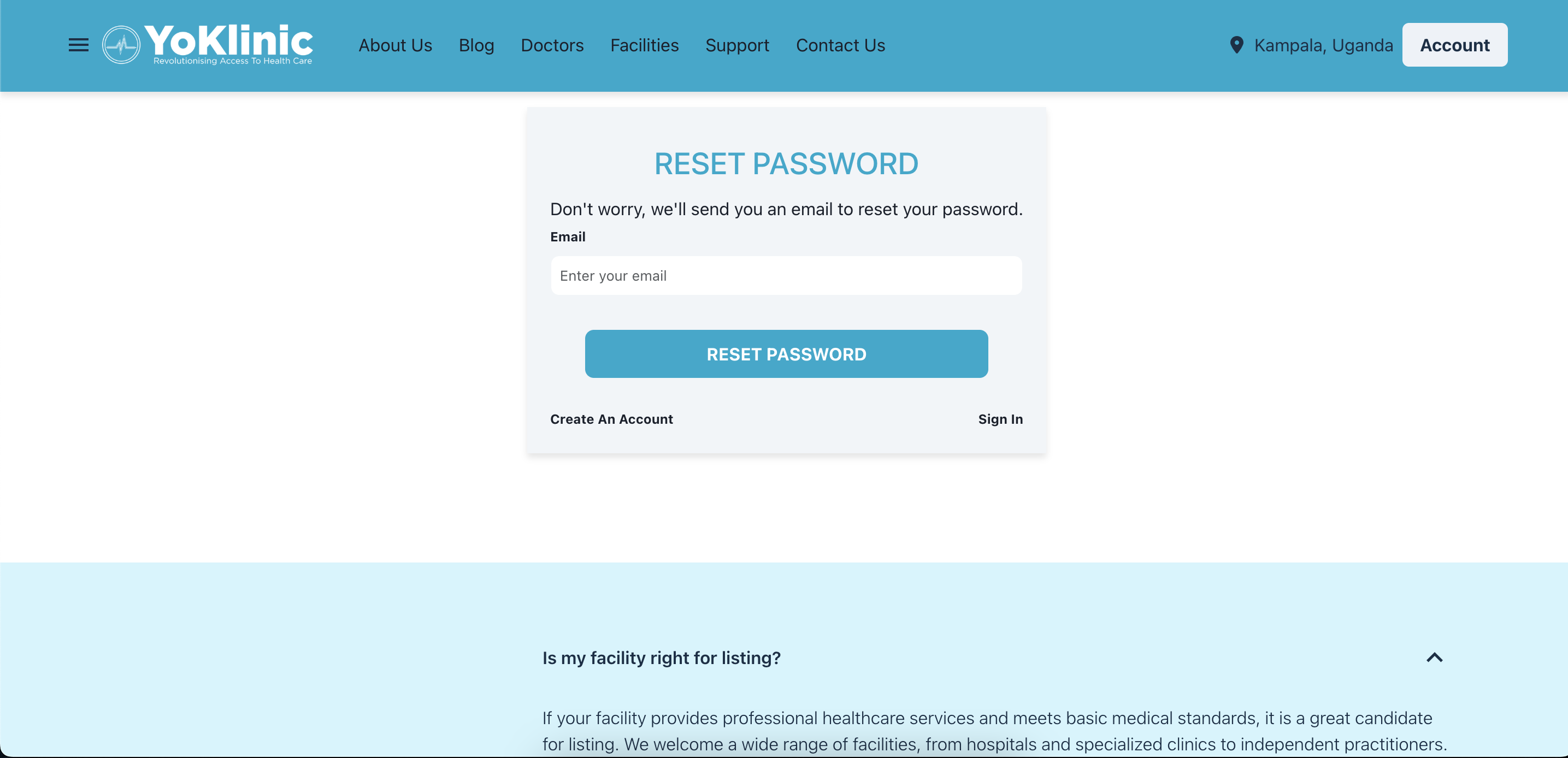
If you run into any issues, double-check your email and password for any errors. Need help resetting your password? Just click Forgot Password to get a reset link sent to your email.
Still stuck? Our support team is ready to assist! Reach out at support@yoklinic.com or use the chat bubble on our website. 💬