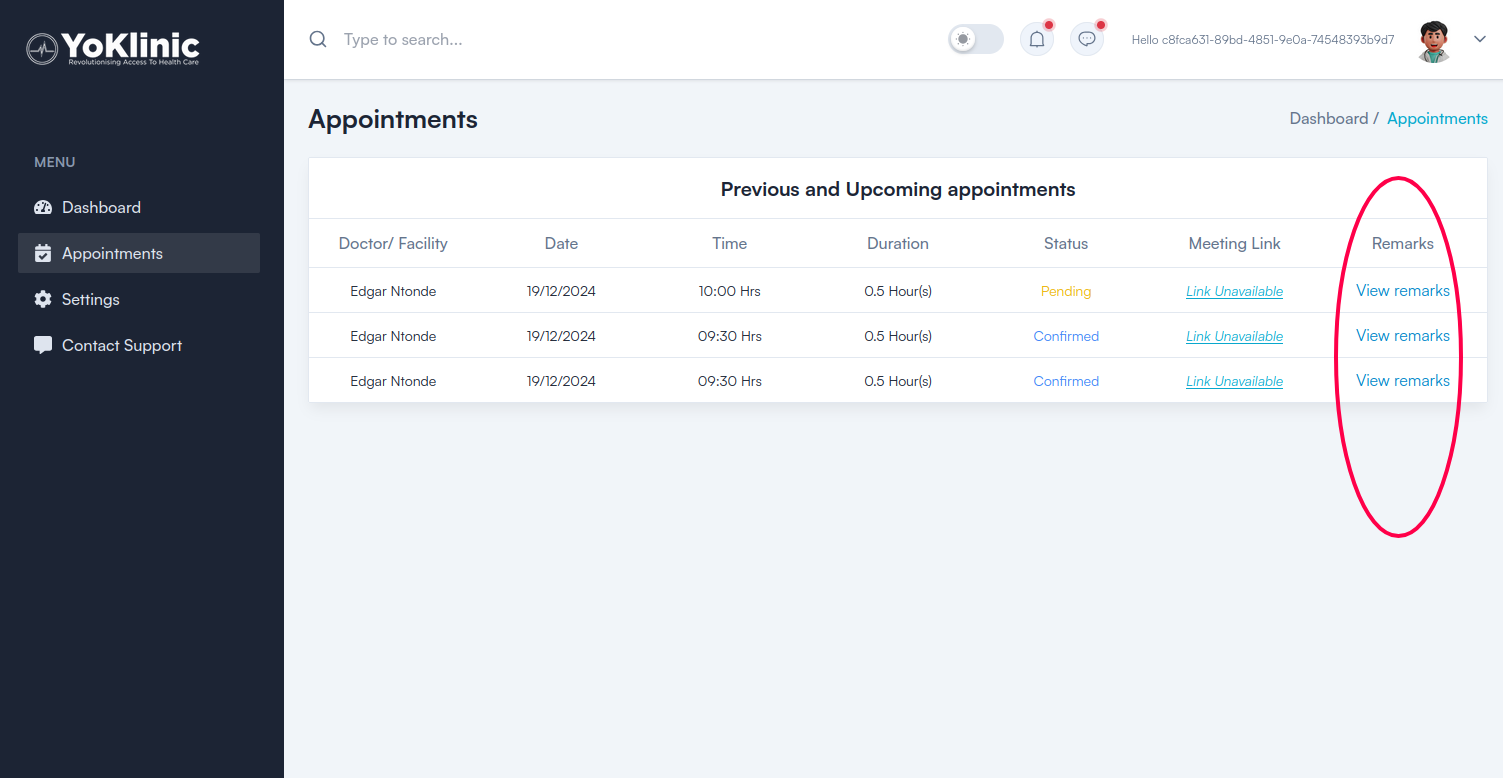
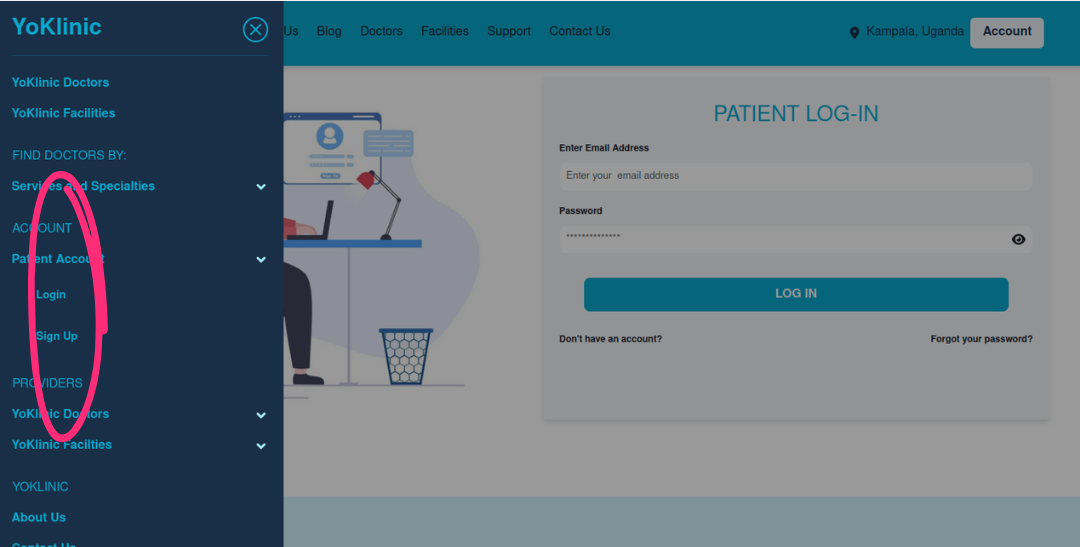
A list of all your previous and upcoming appointments is available in the Yoklinic dashboard. To access it, log in via the menu under the top-left hamburger icon on the Yoklinic site. Be sure to log in as "Patient", not "Provider".
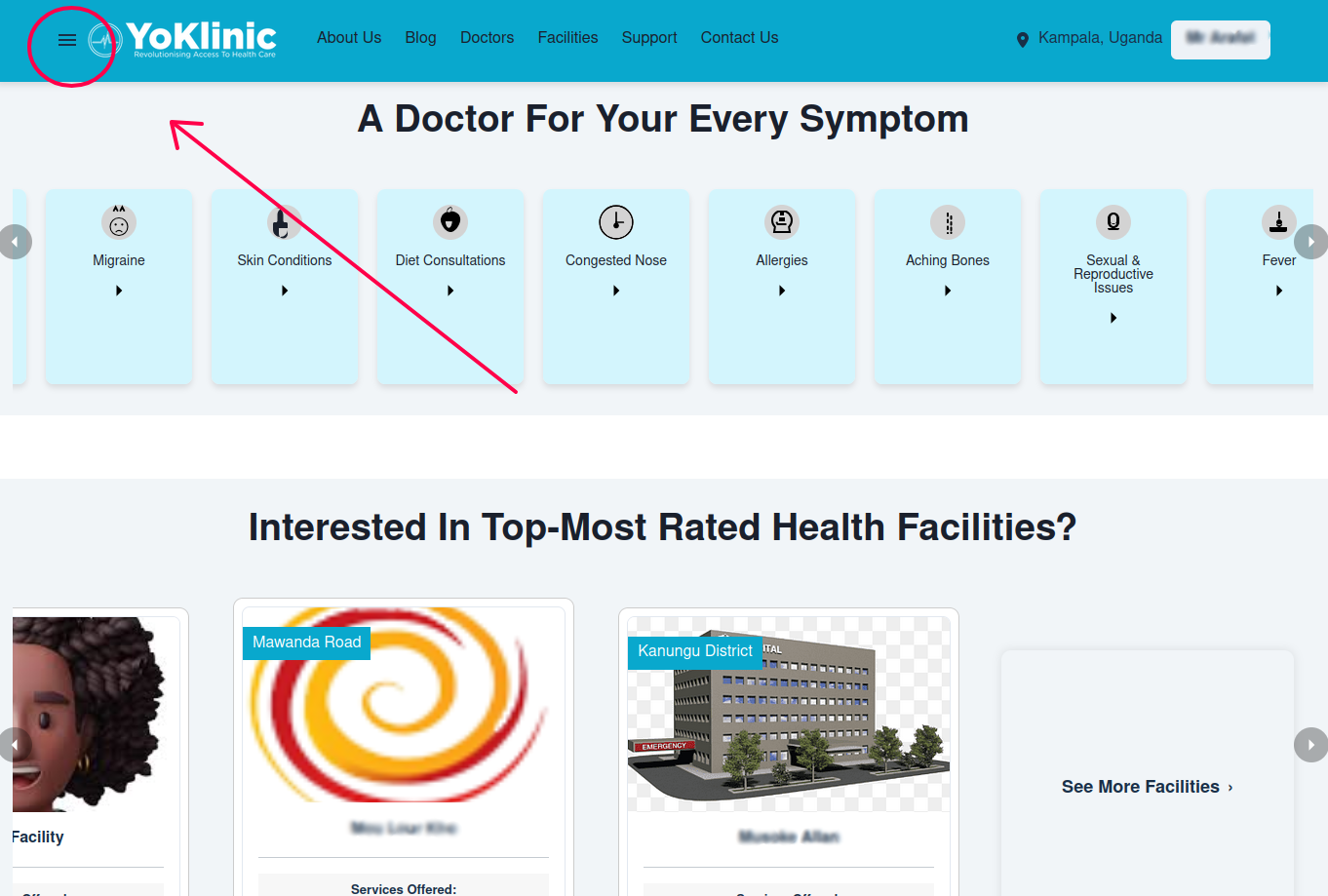
The Yoklinic dashboard has a left-side menu which can be accessed from the top-bar hamburger icon on mobile screens. To see your appointment records, tap "Appointments" in this menu and there they are.
The appointment status on each of the table rows indicated whether it is "Pending" (for upcoming appointments which haven't been paid for yet), "Confirmed" (for upcoming appointments which have been paid for) or "Completed" (for already finished meetings with a medic).
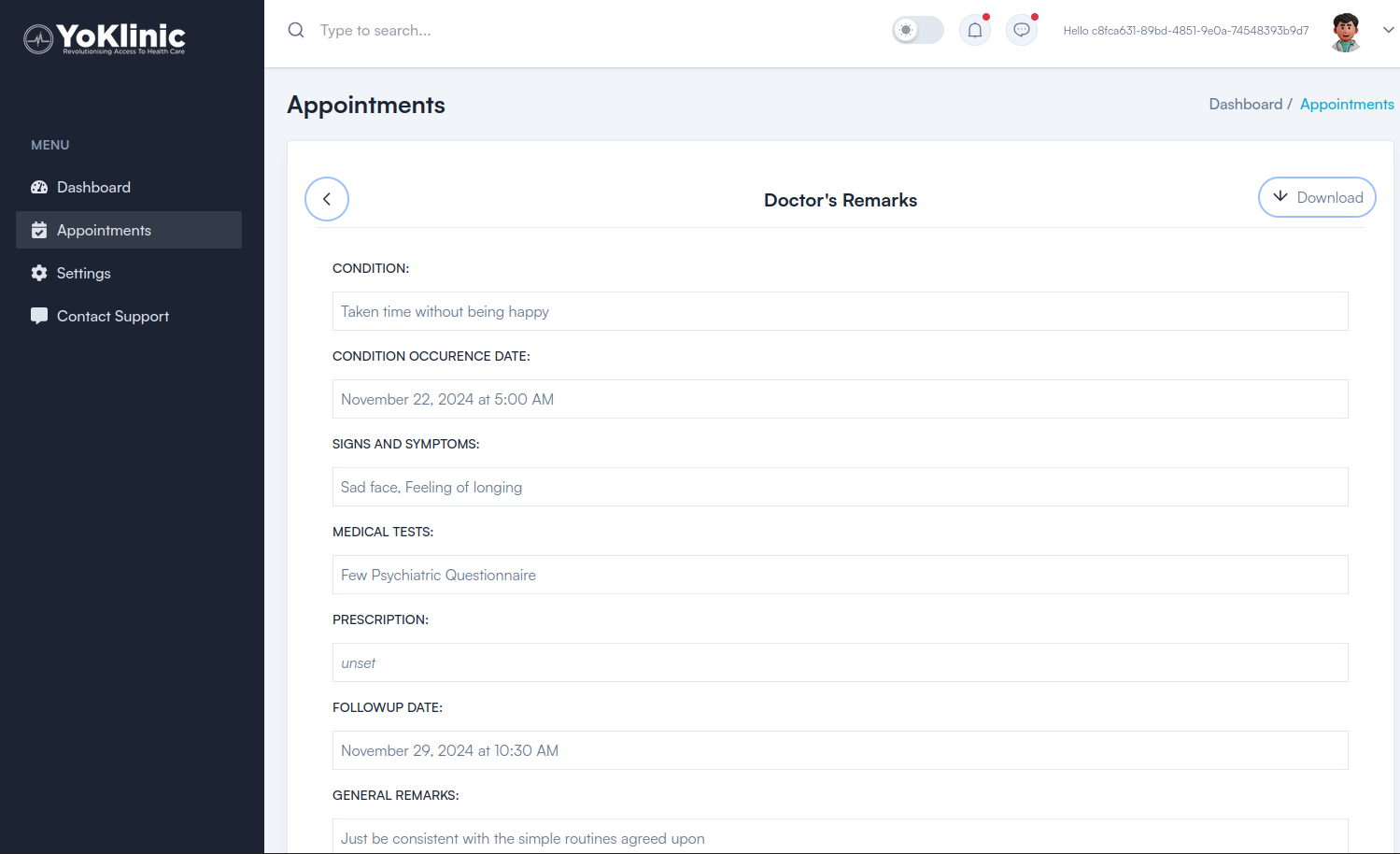
You can also tap "View details" on any one of the completed appointments to see the doctor's written record of your meeting with them.