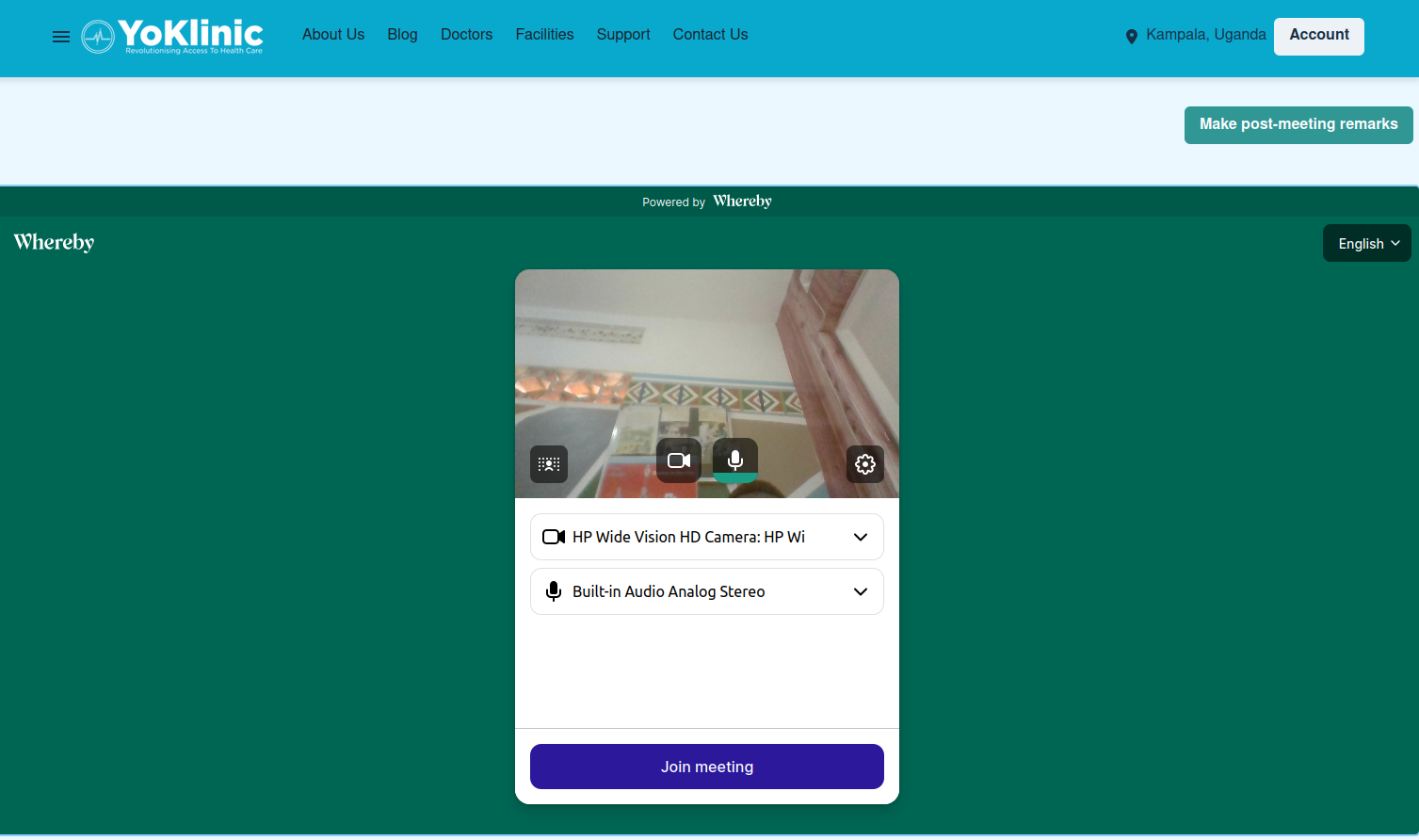
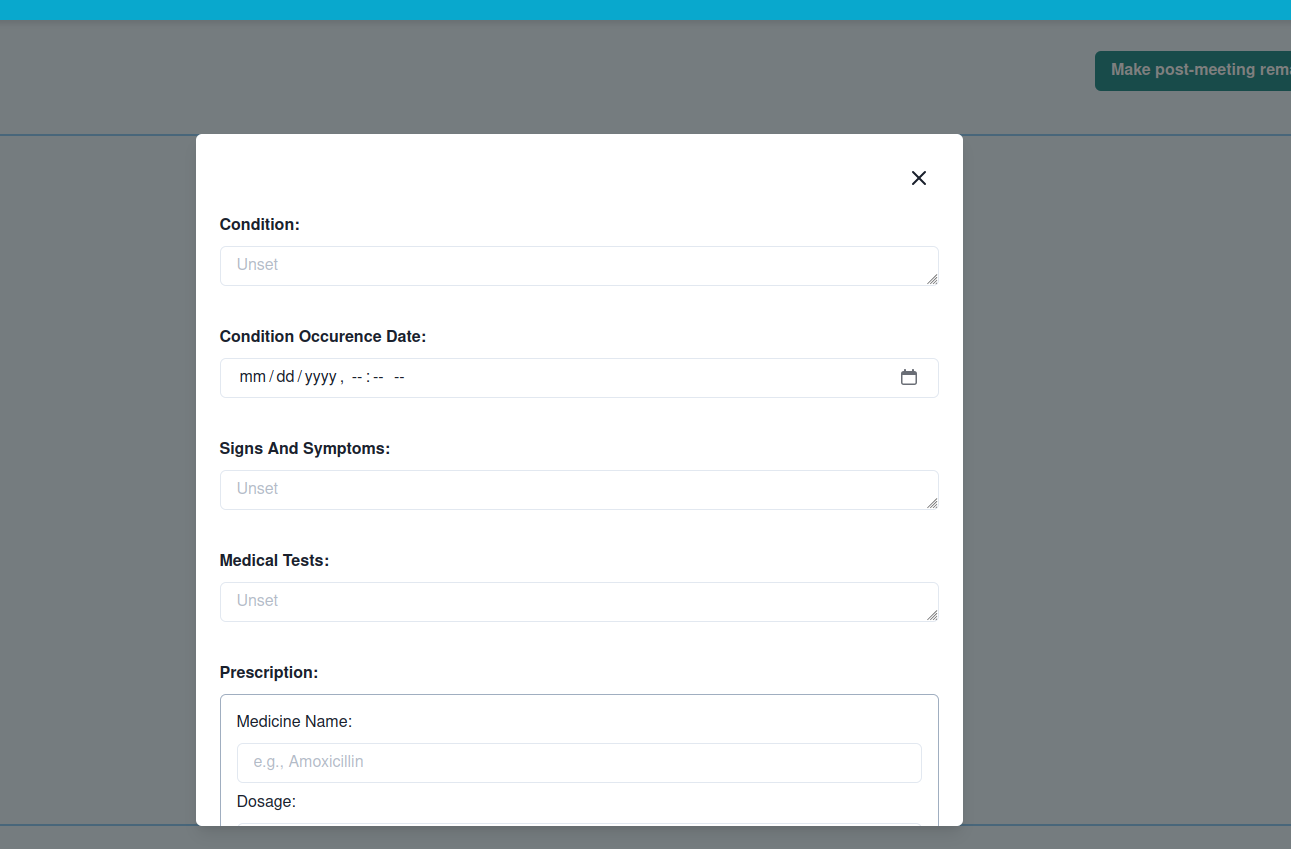
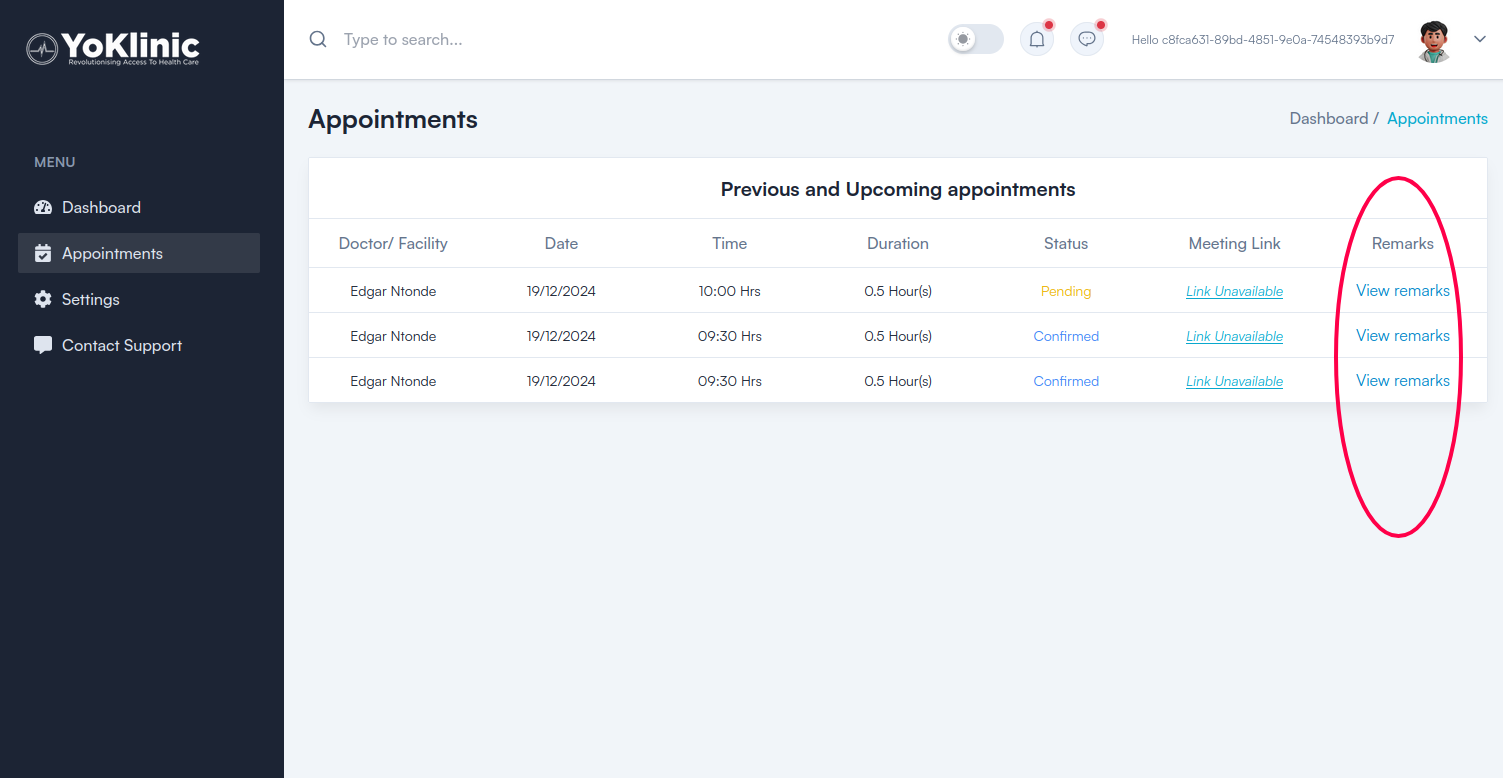
In the video call, you see a "Post-meeting remarks" button at the top right section of the interface and this is where you can write various notes and prescriptions to the client after interacting with them. Note that this form can only be submitted once, so it might be better to fill it at the end of the call. But no worries- in case you submit it and then you need to change something or add to it, you can still access it by logging in to your Yoklinic dashboard, then selecting the specific appointment in the "Appointments" section.
Post- meeting remarks – For doctor/ medical facility
The two options through which you can make written notes, prescriptions and remarks for the patient's use after the video call

Category :
YoKlinic Doctor